

Achduka
★★★★★
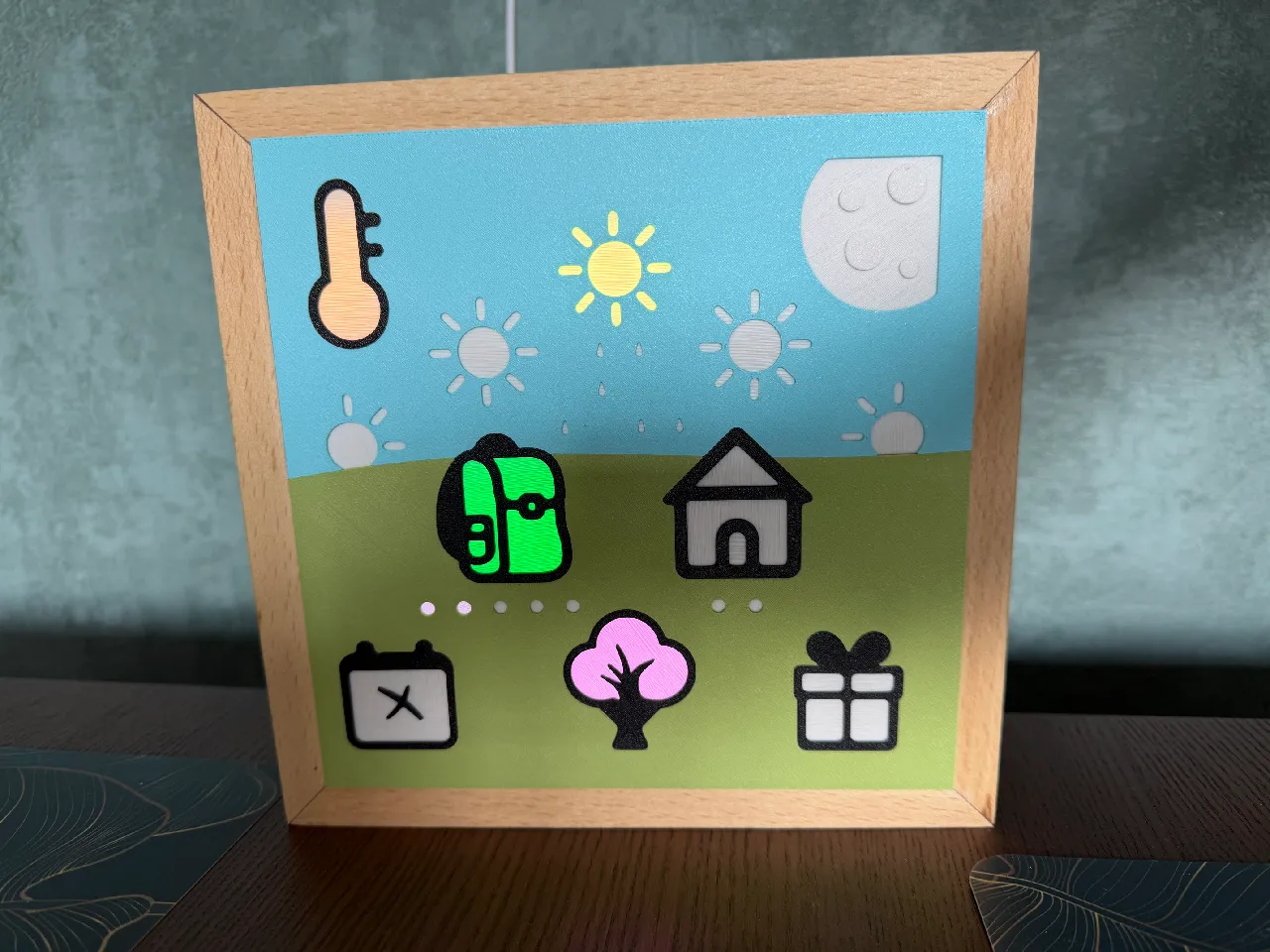
Wow, a really great model. The assembly is very well thought out ... My 4‑year‑old is thrilled: she immediately understood how the clock works and now tells us exactly what is being shown. Thanks!
Electronics · 3D printing · For kids
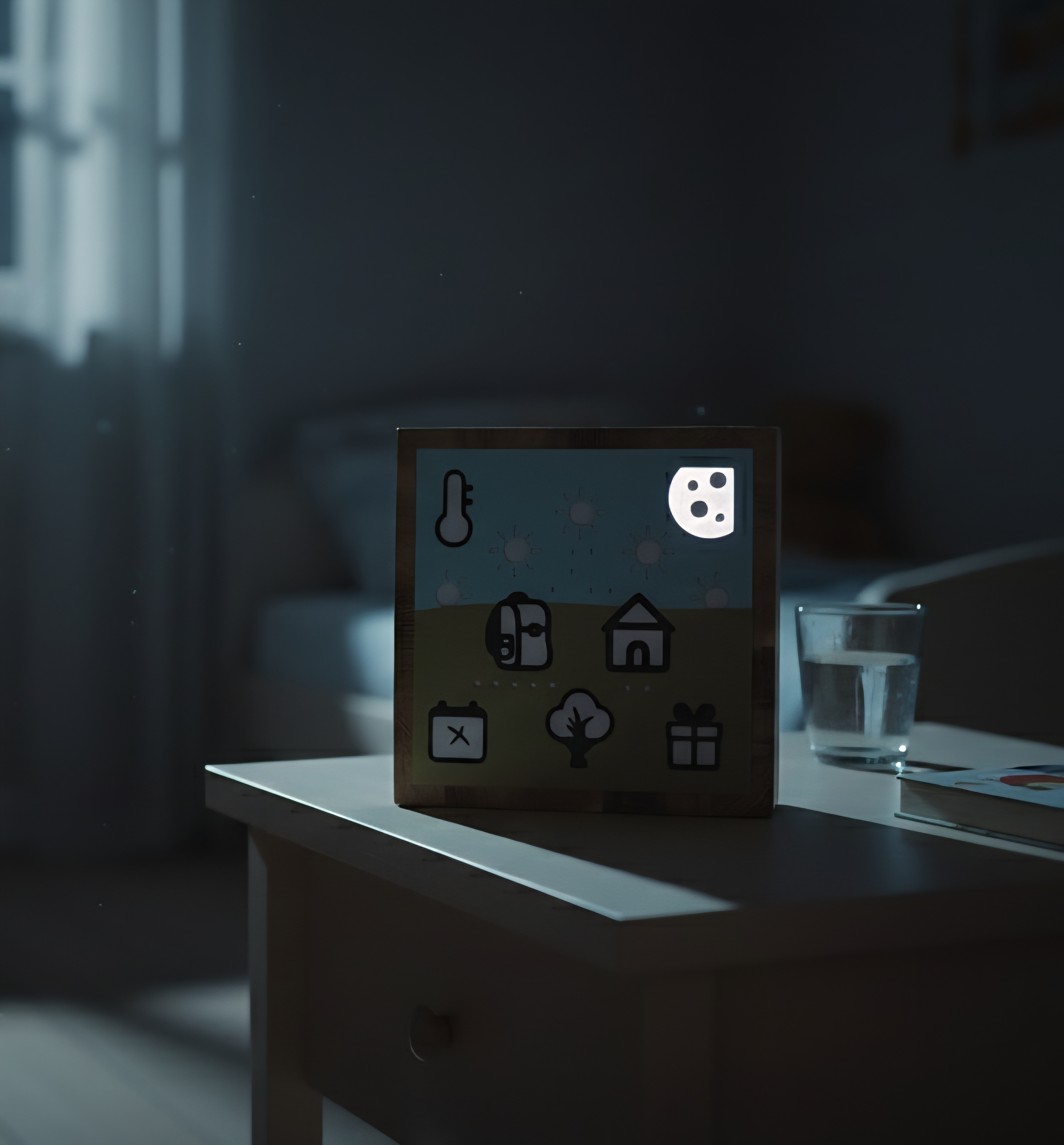
A playful, learning‑friendly clock that helps kids understand time, weekdays, weather and routines using clear symbols instead of numbers.
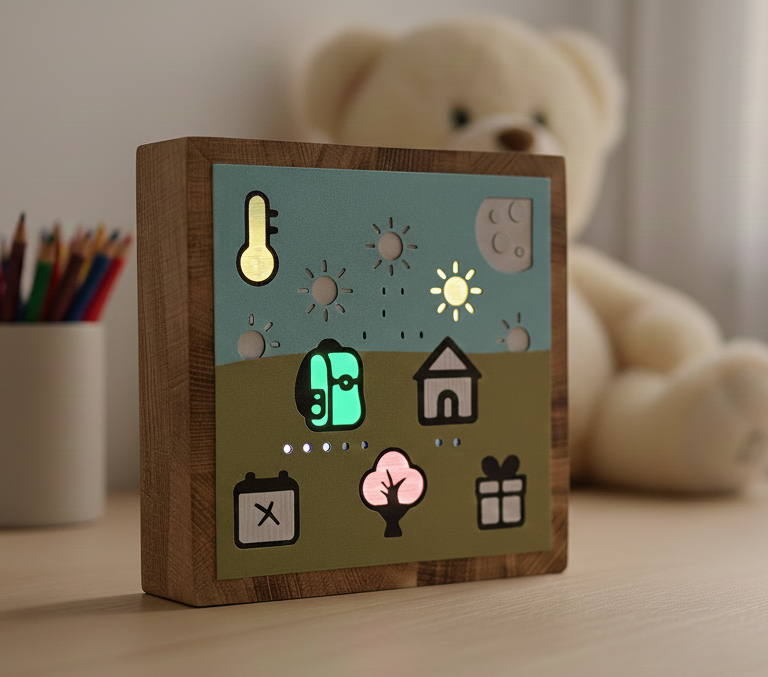
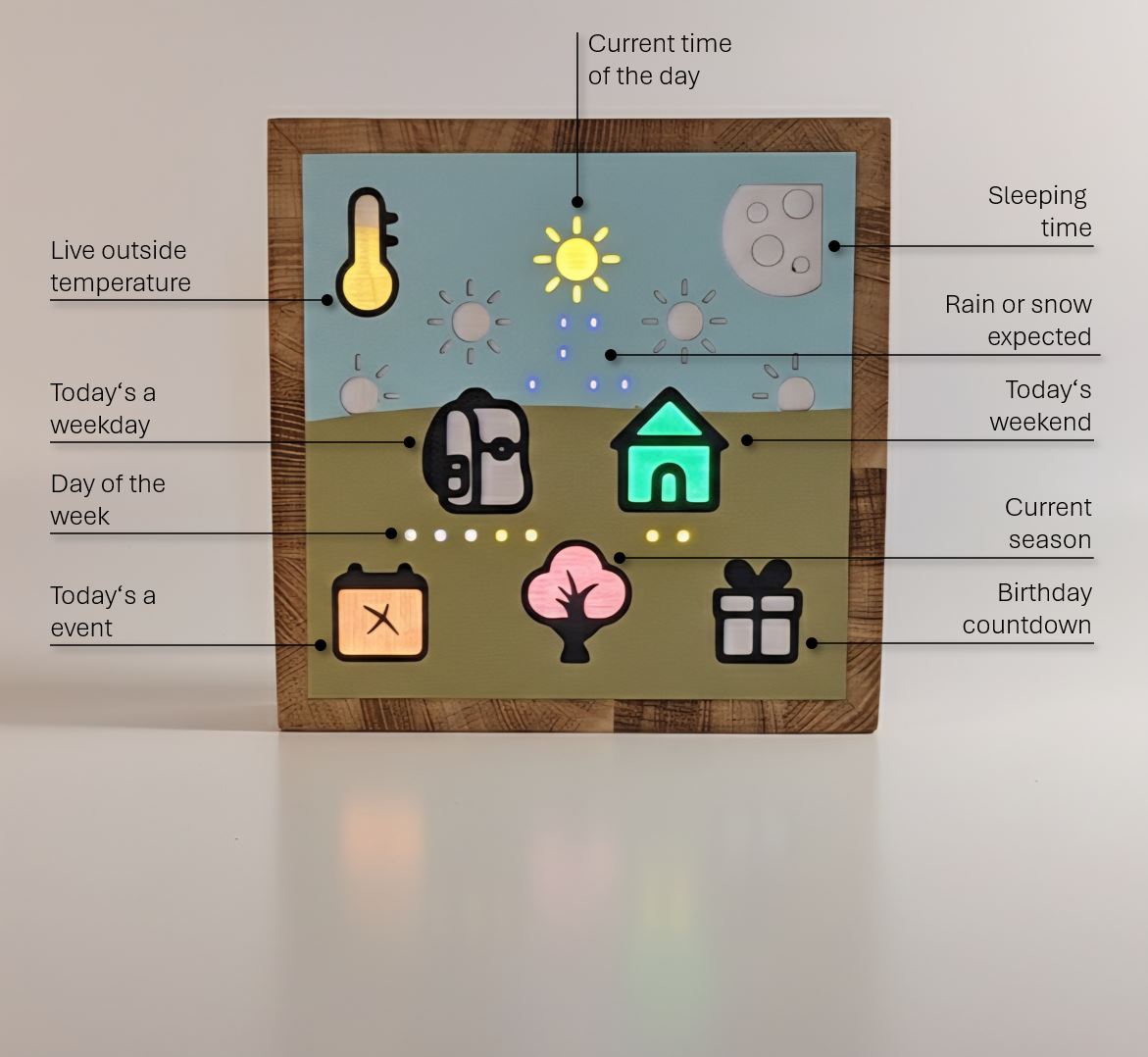
With symbols instead of numbers, kids can independently understand time, weekdays, events and today’s weather.
Send inquiry
Send me an inquiry and I’ll get back to you shortly.
Wow, a really great model. The assembly is very well thought out ... My 4‑year‑old is thrilled: she immediately understood how the clock works and now tells us exactly what is being shown. Thanks!
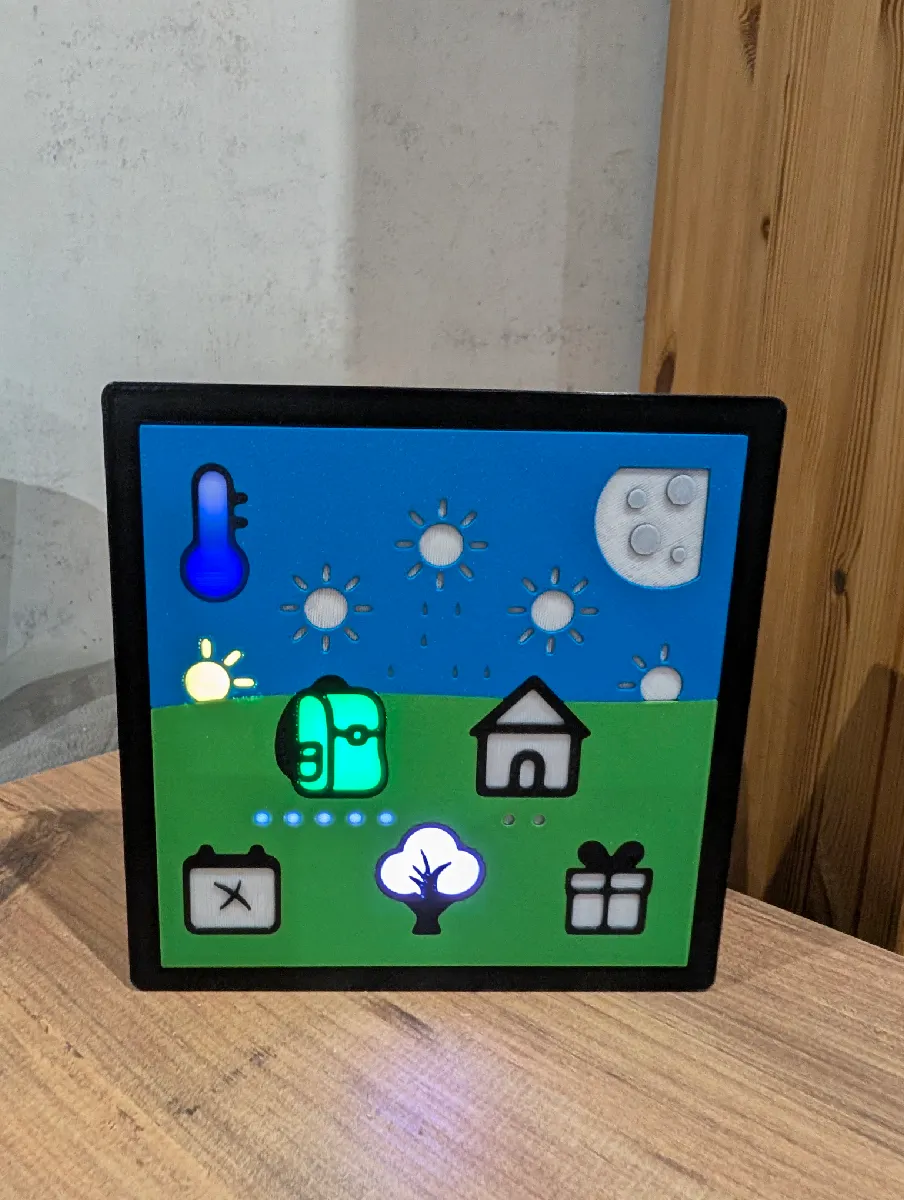
I built both Remindi clocks. The build is very well documented, and when I had questions I received very fast help by email. I especially liked the KidsClock: my 4‑year‑old grandson has a lot of fun with it and every time he visits he explains the symbols and what they mean. Thank you, Remindi, for this great project.
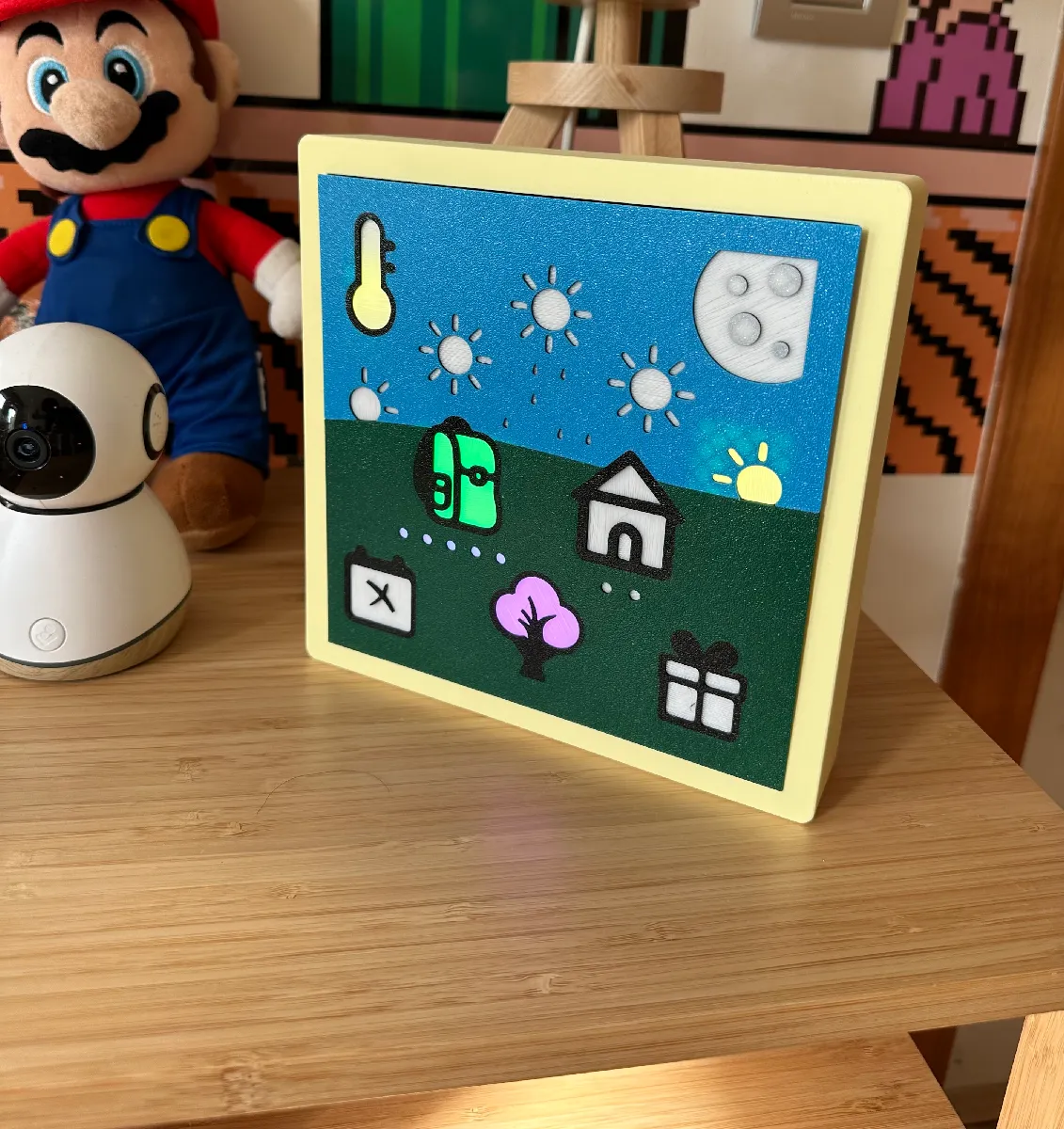
I have built this clock for my 2 years old and he loves it ! He understands every light and is excited to tell us what each one means. The design is really nice, the web interface to control it is intuitive and the whole thing is really well designed. I highly recommend it ! All in all, it's a great make, well executed and the creator deserves praise for his involvement !
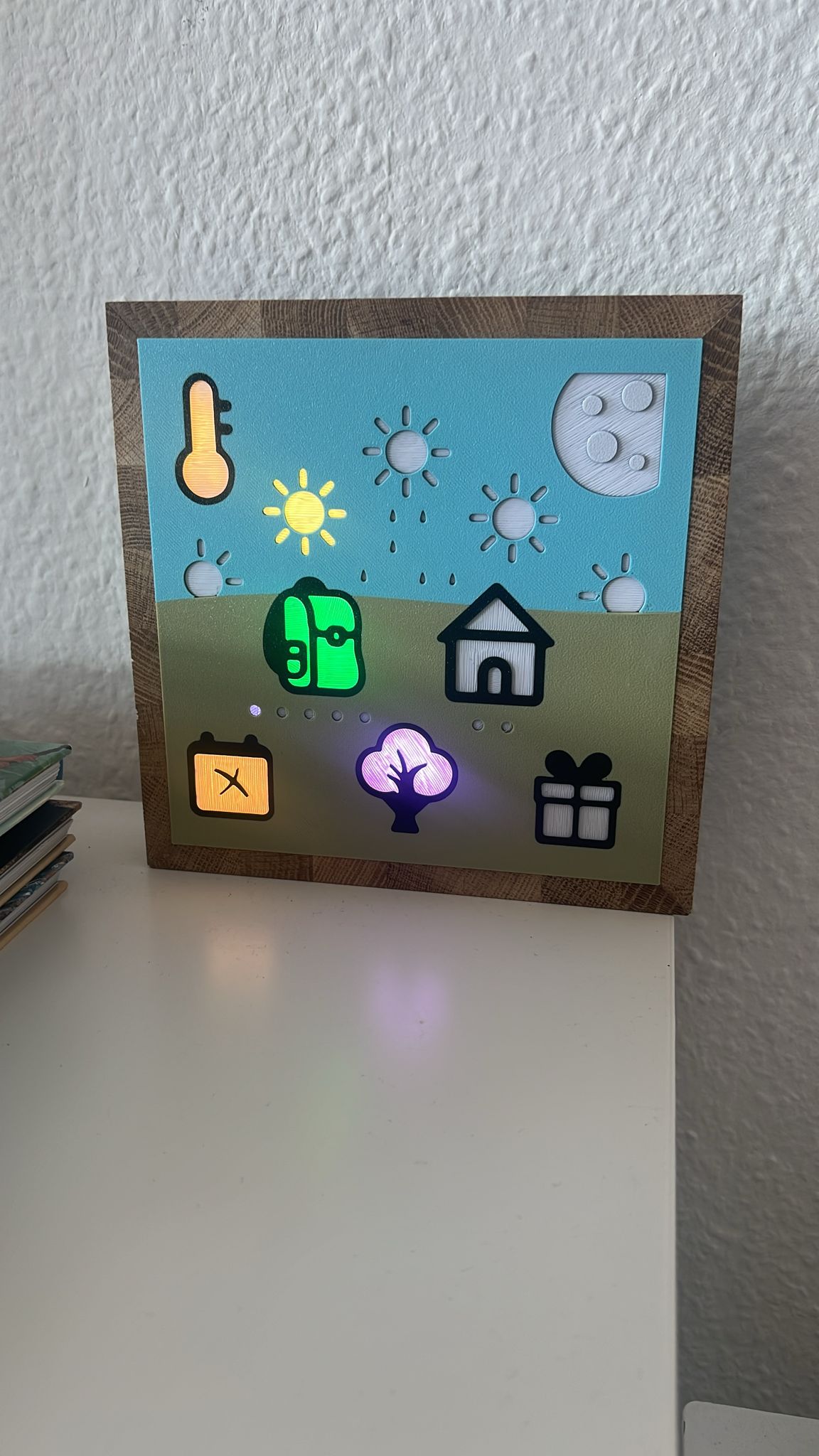
This clock is really, really cool 😃❤️
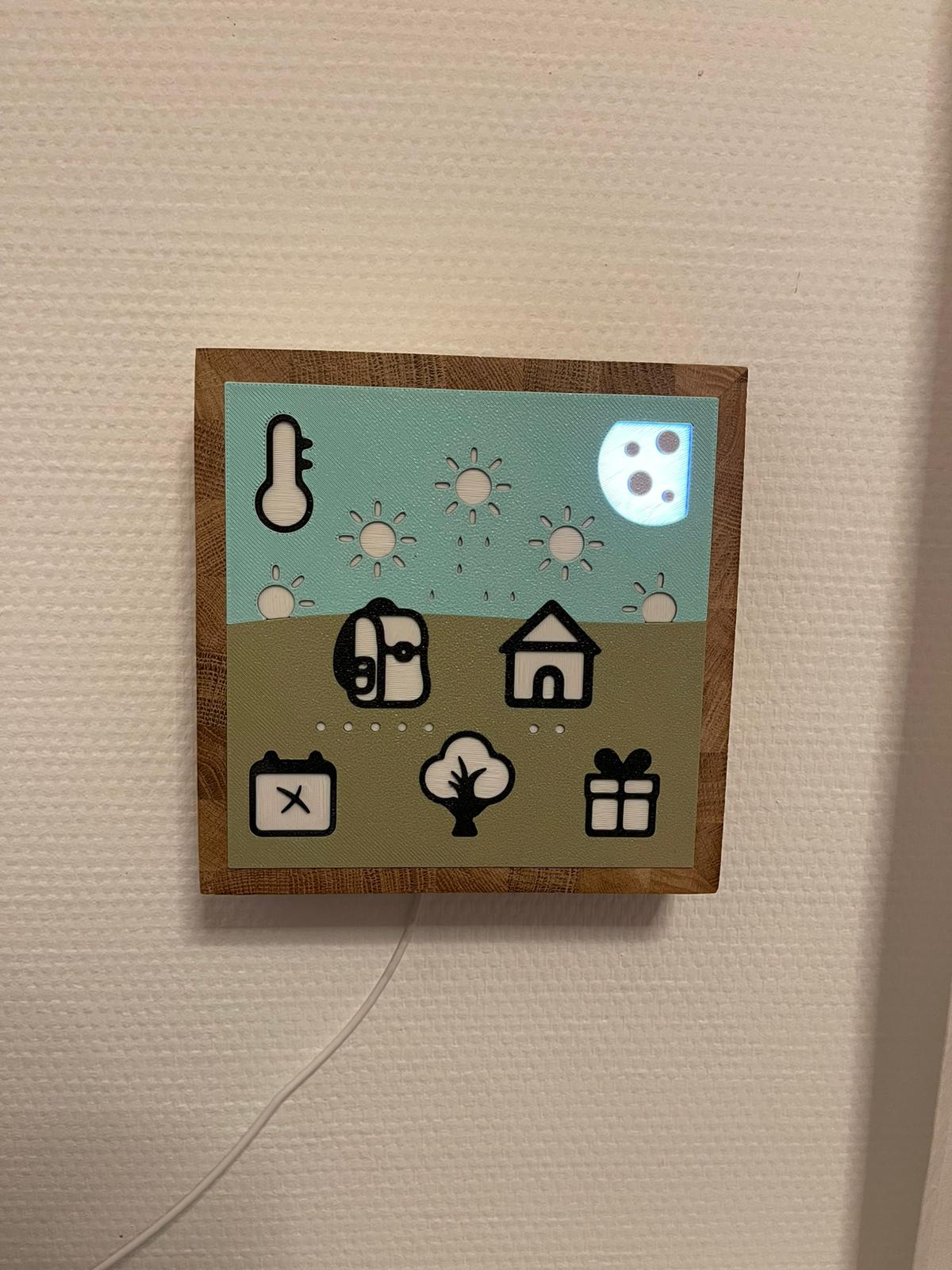
Looks great 😉
Yes — if you enjoy DIY, have a 3D printer and a soldering iron, you can build the KidsClock yourself. All files and a detailed guide are available on Printables and Cults 3D.
Or simply send an inquiry via the contact form.
In Wi‑Fi Access Mode (moon blue): open your browser at 192.168.4.1
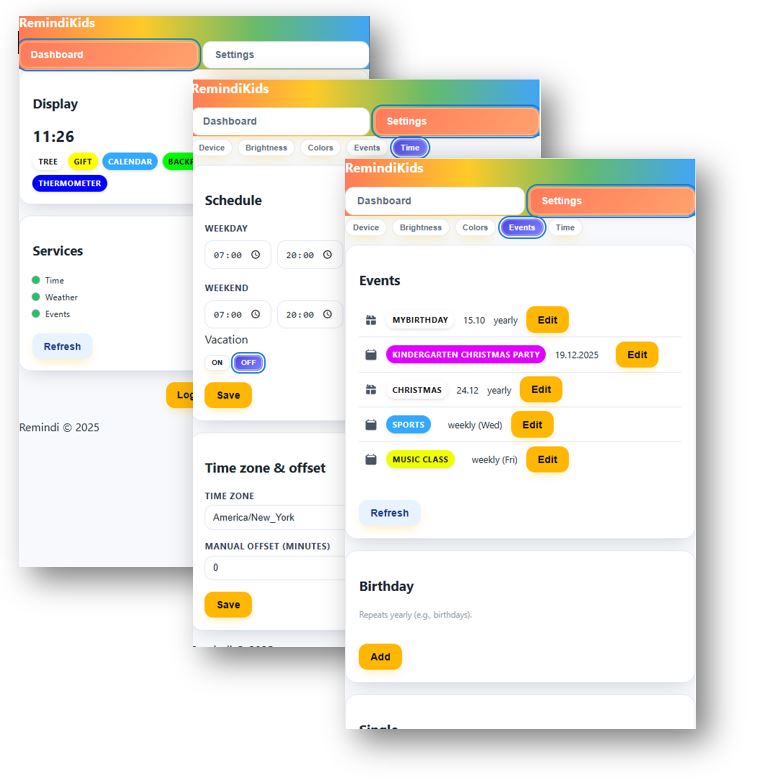
In normal operation (connected to Wi‑Fi): use the device IP address in your network or the hostname
http://remindikids-XXXXXX/ (XXXXXX = digits of the MAC address, also shown in the Access Point Wi‑Fi name)
The device IP address is displayed in the WebUI after first home Wi‑Fi connection or in your router’s network settings
(search for device name RemindiKids-XXXX or esp-XXXX).
Click Forgot password. The Kids Clock must be reset to factory settings so you can set a new password.
After reset, reconnect the device to your home Wi‑Fi.
Depending on your location, inaccuracies in local time may occur.
You can permanently correct this in WebUI > Settings > Time by applying a time offset.
Default values can be adapted in the WebUI.
Weather data updates every 10 minutes.
If rain or snow is expected at your address within the next 4 hours.
The closer the date, the more elements of the present icon light up:
For my version, I built a frame from 12 mm oak laminated wood. I cut 4 wooden strips (4 cm × 20 cm) at 45° mitre angles, glued them together, sanded with 180 grit, and finished with wax. The printed Kids_Front fits perfectly into the 176 × 176 mm inner space.
If desired, I can provide a separate tutorial or video for this wooden frame.
Alternatively, you can simply print the provided Case file and use it as the frame.
The best way is via email: kontakt@remindi.de
This design is legally protected. Any reproduction, redistribution, or commercial sale without permission is strictly prohibited and will be prosecuted. Originals are only available directly from Remindi.
If you wish to discuss licensing or permissions, please contact us at kontakt@remindi.de.