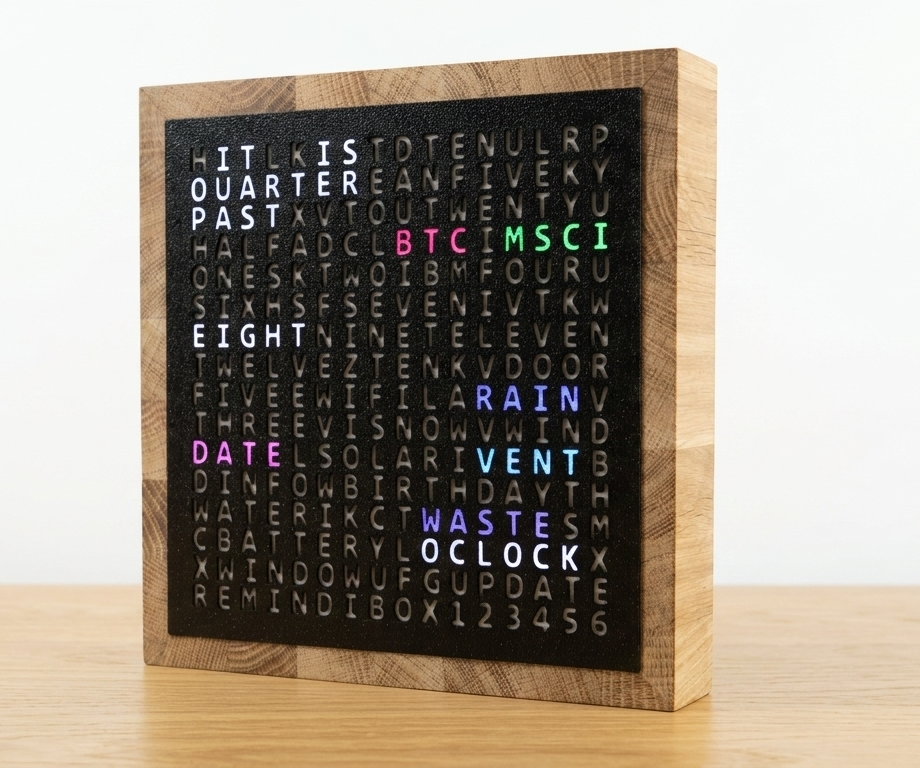
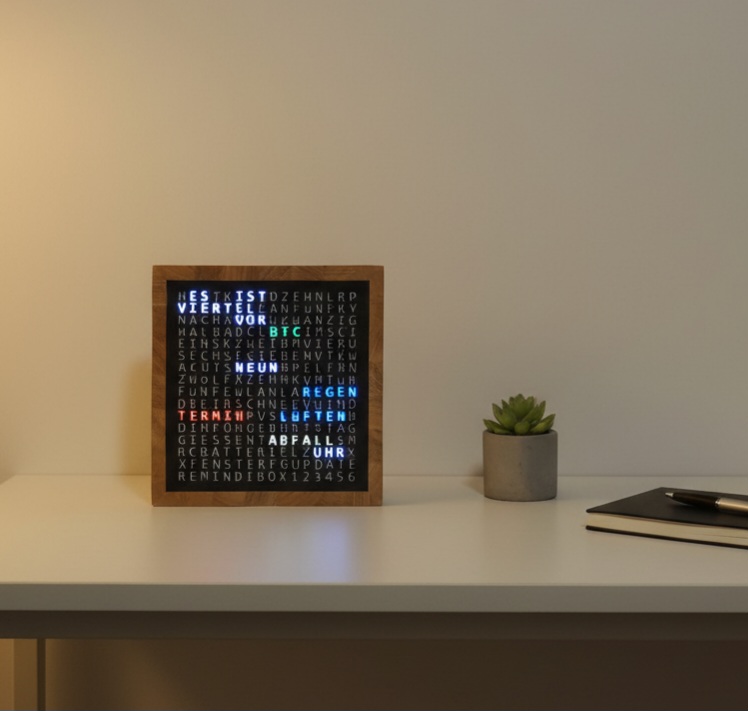
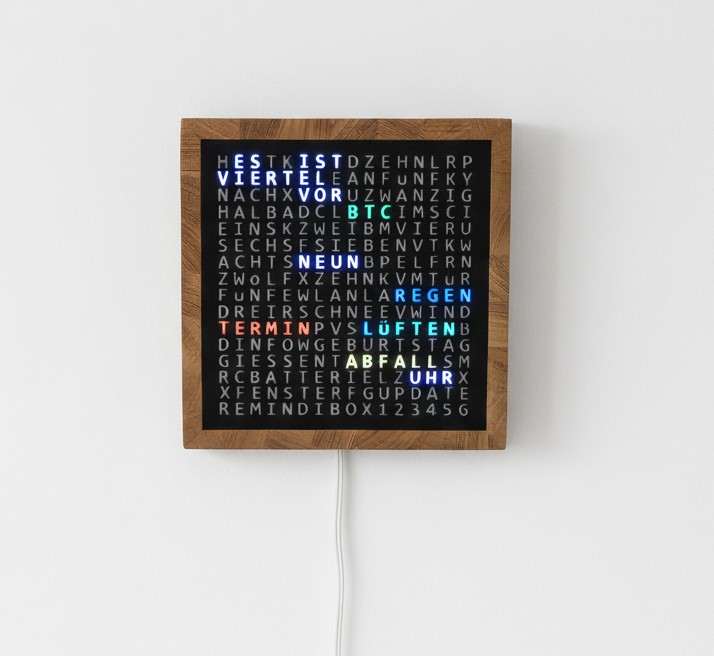
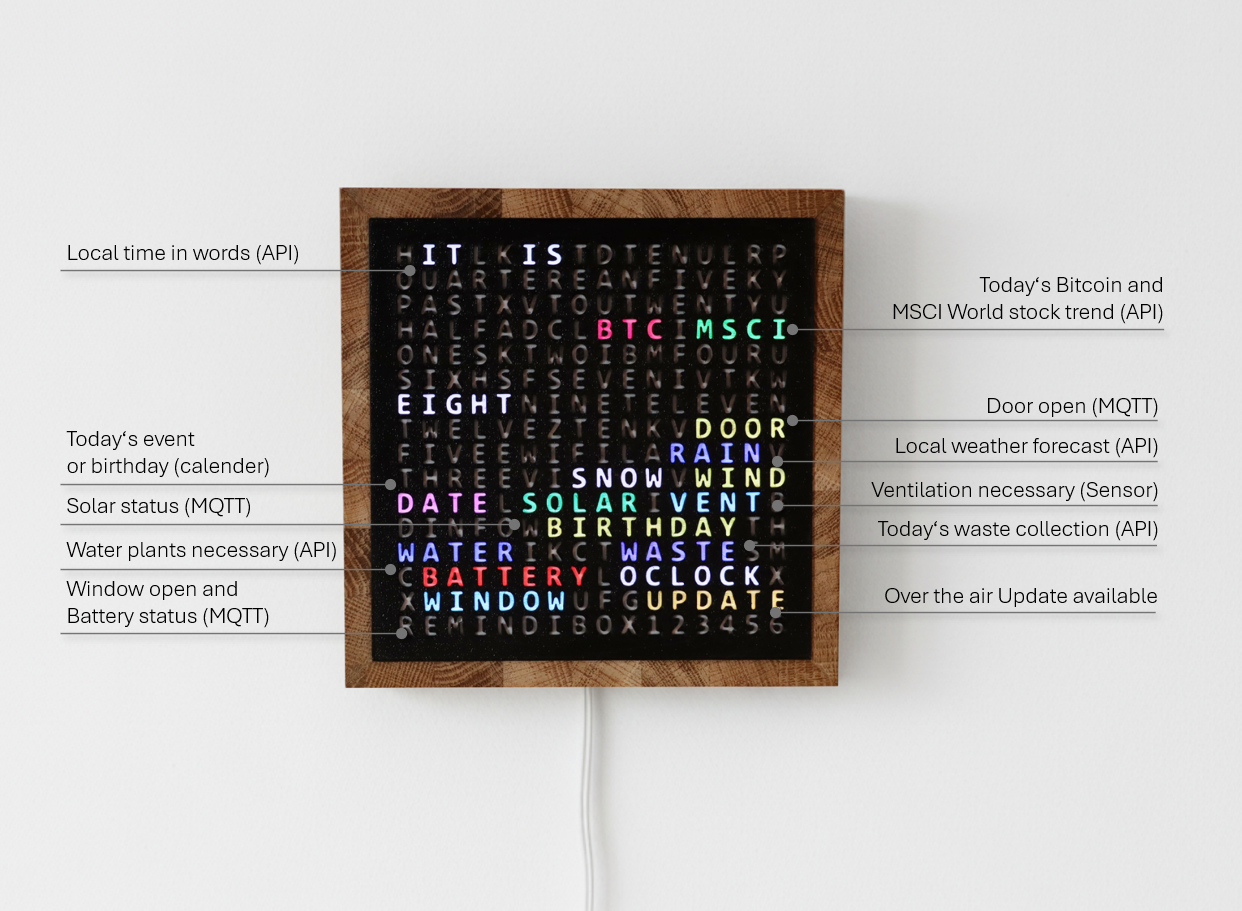
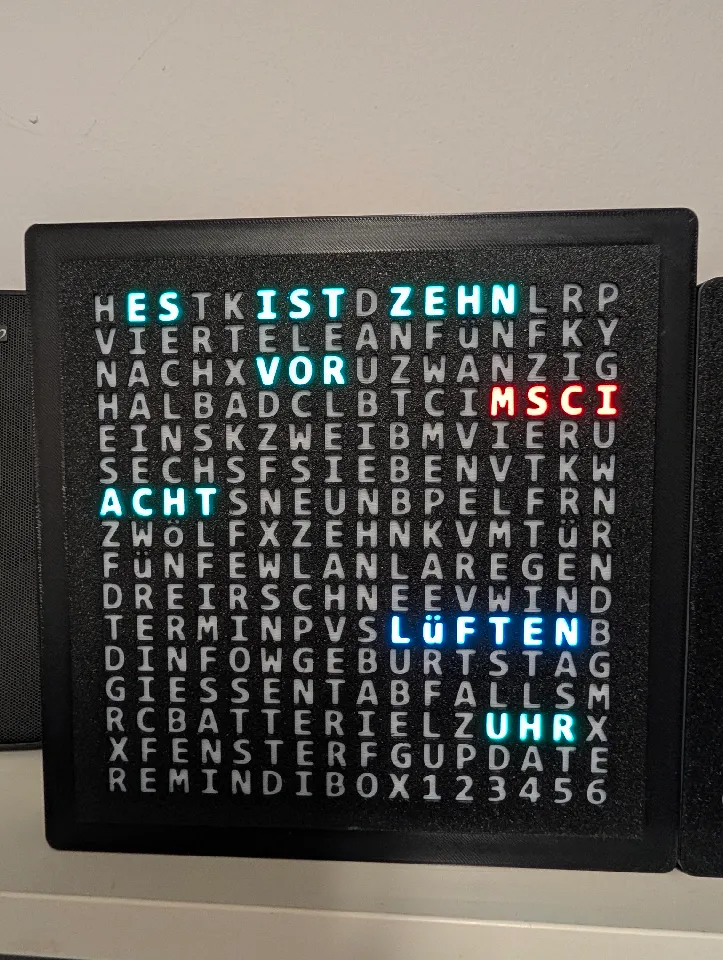
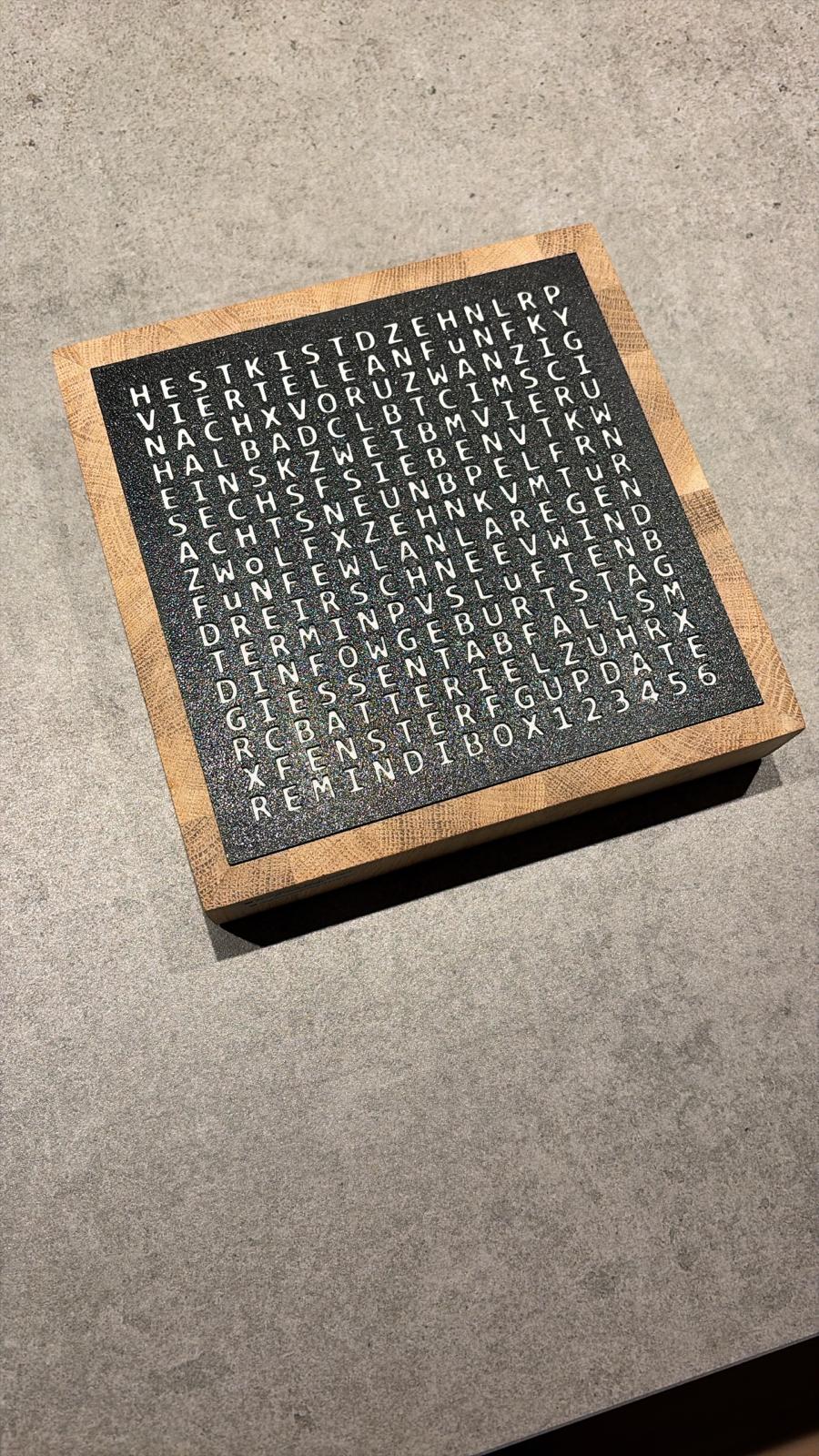
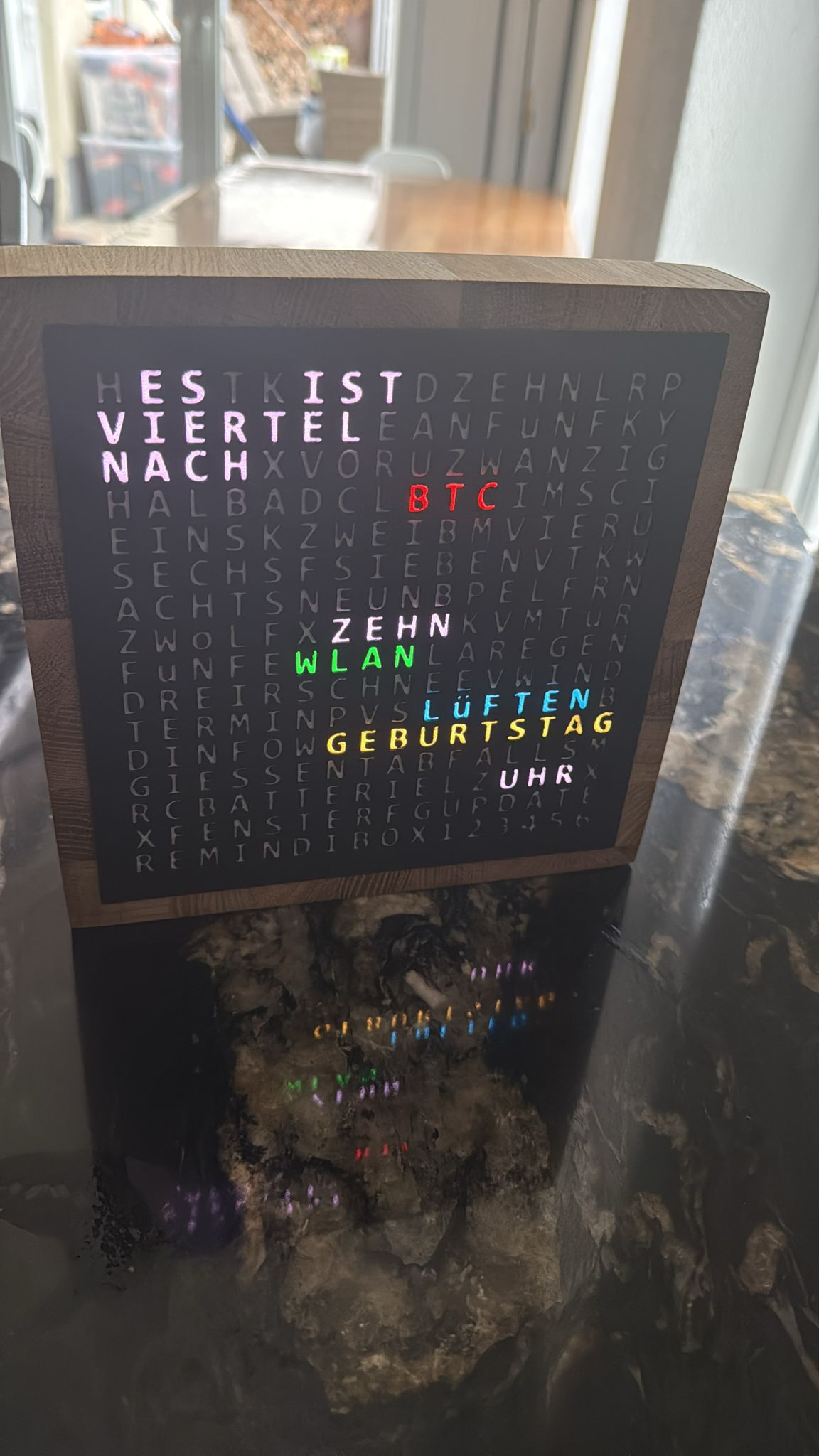
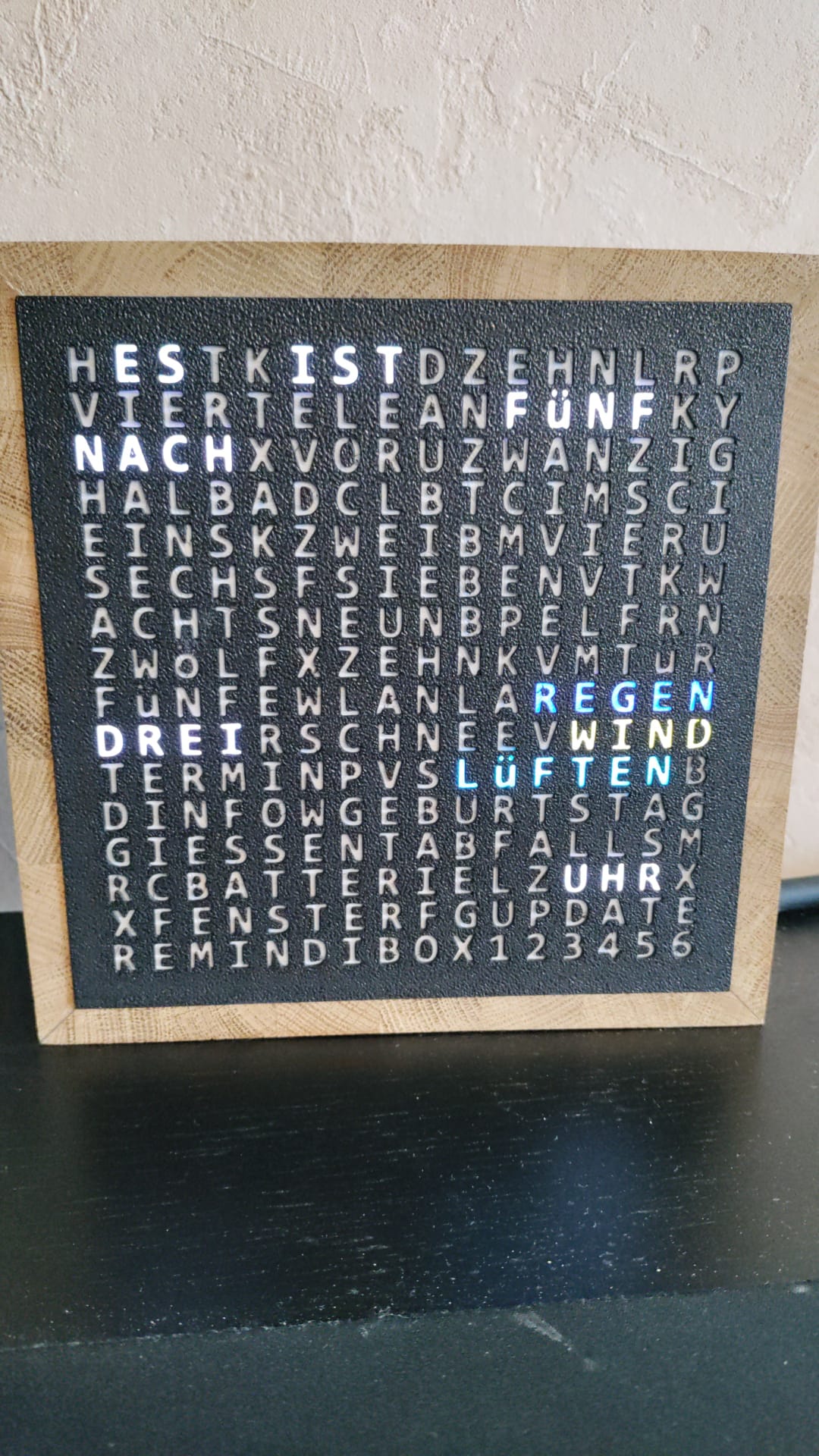
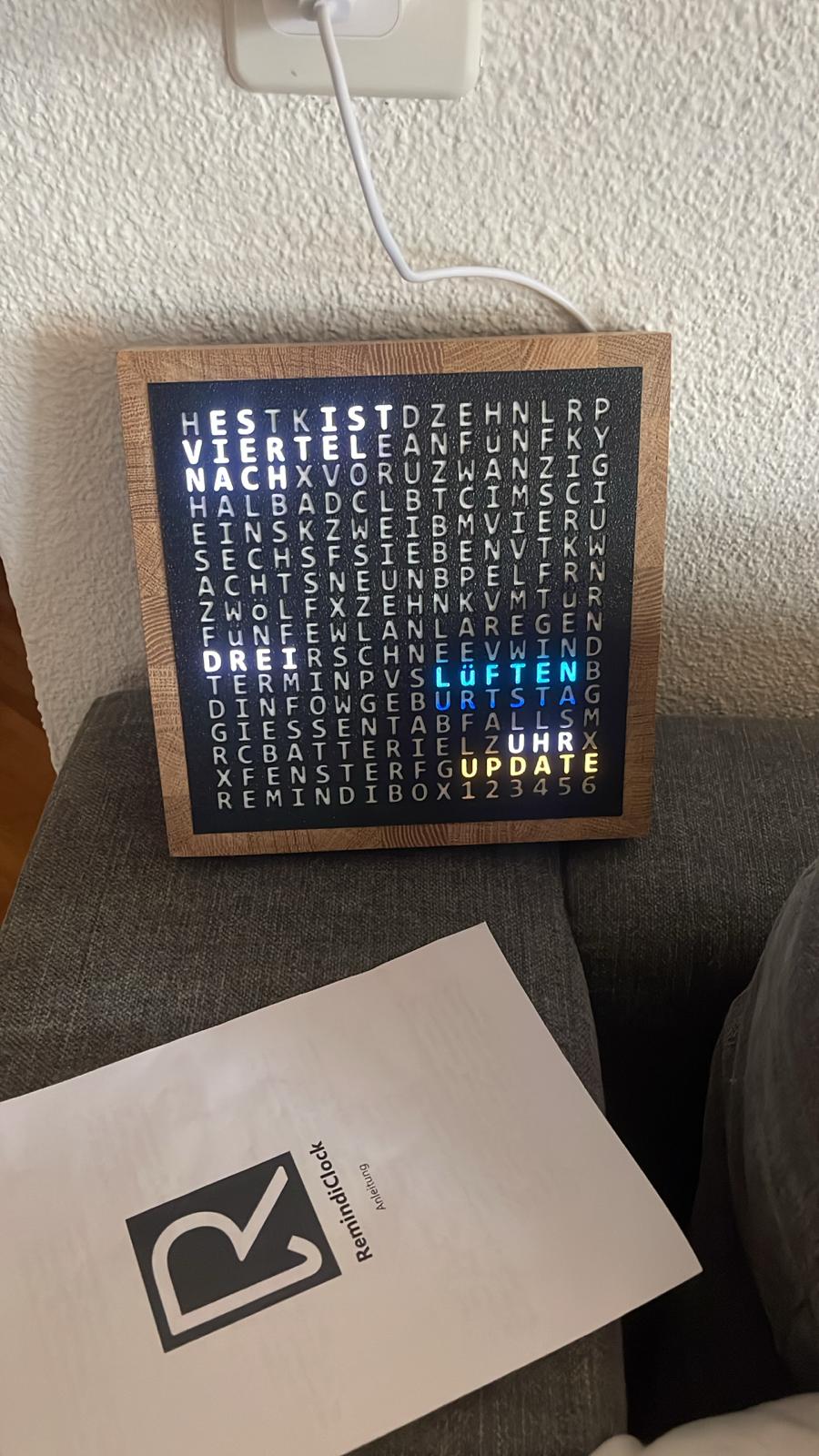
WordClock combines a clean, high‑quality design with a smart feature set.
Live data comes via built‑in API integrations; optionally, you can integrate it into your smart home via MQTT.
Time
Elegant word‑based time display
Local weather
Live forecast at a glance
Air quality
VENT indicator suggests airing out
Markets
Bitcoin & MSCI World trends
Events
Calendar events & birthdays
Waste pickup
Local collection reminders
Plant watering
Helpful watering reminders
Smart home
Optional MQTT integration
Night mode
Comfortable dimmed display
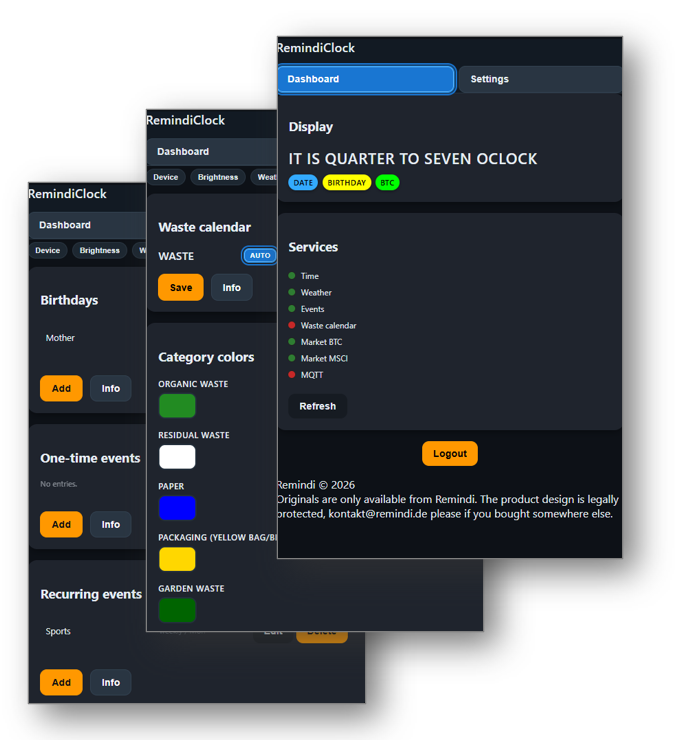
WebUI
Configure via your home Wi‑Fi
Real wood frame
Solid oak frame option
OTA updates
Updates via Wi‑Fi
Gallery
Send inquiry
Send me an inquiry and I’ll get back to you shortly.
Customer reviews
Tom
I built both Remindi clocks. The build is very well documented, and when I had questions I received very fast help by email. I especially liked the KidsClock: my 4‑year‑old grandson has a lot of fun with it and every time he visits he explains the symbols and what they mean. Thank you, Remindi, for this great project.
Frederik
★★★★★
The clock arrived today safely. Thank you so, so much 😊 It turned out really well.
Sanela
★★★★★
Yayyy, thanks again.
Mirko
★★★★★
It already looks very elegant.
Nicolas
★★★★★
FAQ – Frequently Asked Questions
Can I build the WordClock myself?
Yes — if you enjoy DIY, have a 3D printer and a soldering iron, you can build the WordClock yourself.
All files and a detailed guide are available on
Printables
and
Cults 3D.
Or simply send an inquiry via the contact form.
How can I connect to the WebUI?
In Wi‑Fi Access Mode (moon blue): open your browser at 192.168.4.1.
In normal operation (connected to Wi‑Fi): use the device IP address in your network or the hostname
http://remindiclock-XXXXXX/ (XXXXXX = digits of the MAC address, also shown in the Access Point Wi‑Fi name)
The device IP address is displayed in the WebUI after first home Wi‑Fi connection or in your router’s network settings
(search for RemindiClock-XXXX or esp-XXXX).
Which words are shown out of the box, and which require MQTT?
Displayed by default: time, weather forecast, calendar events, birthdays, MSCI World & Bitcoin trends, and air‑quality/VENT
(from internal sensor or API).
Optional via MQTT: DOOR, WINDOW, SOLAR, BATTERY — all freely controllable in any color through your smart‑home system.
How does the air‑quality “VENT” indicator work?
The clock calculates absolute indoor humidity using its internal sensor and compares it to the absolute outdoor humidity,
which is retrieved via an online weather API. When the indoor value is significantly higher than the outdoor value,
the clock displays VENT to suggest airing out the room.
Because internal sensors vary slightly from unit to unit, the device performs an automatic one‑week calibration during the first days
of operation. Only after this learning phase is the ventilation indicator fully reliable. A manual calibration option is also available.
How does the Bitcoin & MSCI World display work?
The clock highlights daily changes of ±0.5% using color: green for rising prices and red for falling ones.
This visual indicator can be switched off if you prefer a cleaner display.
How does the waste‑collection display work?
Pickup dates are read from your local provider’s iCal calendar. Depending on the waste type (residual, bio, paper, etc.),
the word WASTE appears in a different, customizable color. The reminder activates at 6:00 pm on the day before and ends at
12:00 am on the pickup day.
My clock shows the wrong time — what can I do?
Local time is determined automatically based on your address via the weather API. If the displayed time is still incorrect,
you can adjust it manually in the WebUI.
How do I control the words via MQTT?
All MQTT‑controllable words can be triggered through your smart‑home system using simple MQTT messages.
A detailed guide is available in the MQTT Info section of the WebUI under Settings > MQTT, including topics,
payload examples, and color configuration.
What about the wooden frame?
For my version, I built a frame from 12 mm oak laminated wood. I cut 4 wooden strips (4 cm × 20 cm) at 45° mitre angles,
glued them together, sanded with 180 grit, and finished with wax. The printed Front fits perfectly into the 176 × 176 mm inner space.
If desired, I can provide a separate tutorial or video for this wooden frame.
Alternatively, you can simply print the provided Case file and use it as the frame.
I have a comment, suggestion, or found a bug — how can I contact you?
Can I reproduce or commercially sell this design or code?
This design is legally protected. Any reproduction, redistribution, or commercial sale without permission is strictly prohibited
and will be prosecuted. Originals are only available directly from Remindi.
If you wish to discuss licensing or permissions, please contact us at kontakt@remindi.de.